Living in New York City means making the most of limited space. As a result, I’m always interested in tools that can boost my productivity at a small desk, in a cramped office, or working on the go.
I’ve experimented with dual-screen laptops in multiple form factors and numerous portable monitors, including ones with projection capabilities . I’ve had particularly good results with dual-screen portable monitors .
Naturally, a portable monitor with three full-size screens was the next logical step.
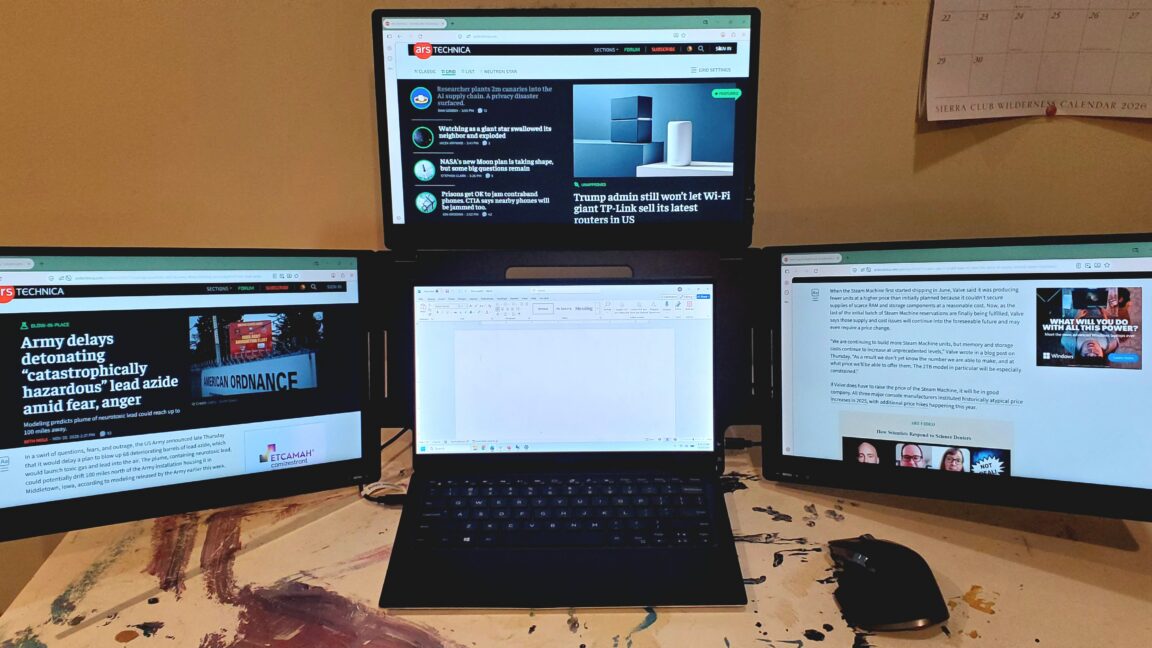
To get a four-screen (including my laptop’s screen) experience, I tested KYY’s X90G ($360 as of this writing). It’s a portable monitor with three 15.6-inch IPS screens. Each screen has 1920×1080 resolution, its own control buttons, and is specced for up to 400 nits of brightness.
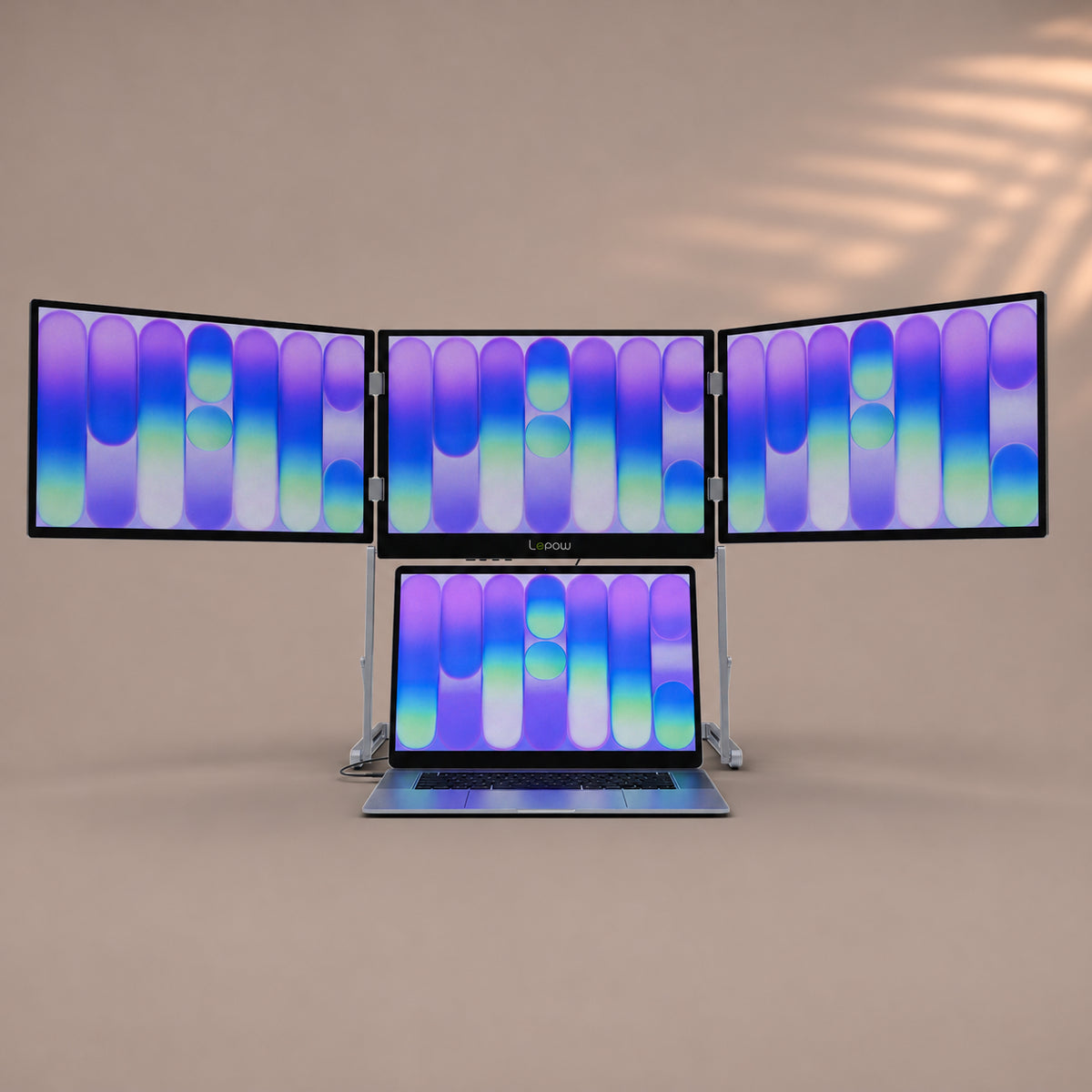
The X90G isn’t the only tri-screen monitor available, but it stood out to me because of its design. Some of the X90G’s rivals place the three displays above the laptop screen, which would require you to look away from the laptop screen repeatedly.
Instead, the X90G places one screen on the left and right sides of the laptop screen and one above the laptop display for a more cohesive—but not completely unified—visual workspace.
The X90G also has better compatibility than its rivals by supporting Linux and Android in addition to Windows and macOS (on systems using an M1 processor or better).
Most laptops should fit in the X90G’s designated area, but many workstations and gaming laptops won’t since it doesn’t support laptops larger than 17.3 inches.
Let’s get something out of the way: If you hate bezels, a triple-portable-monitor isn’t for you.